
Home / Industries / Offices
Digital signage for officesKeep every team on the same page
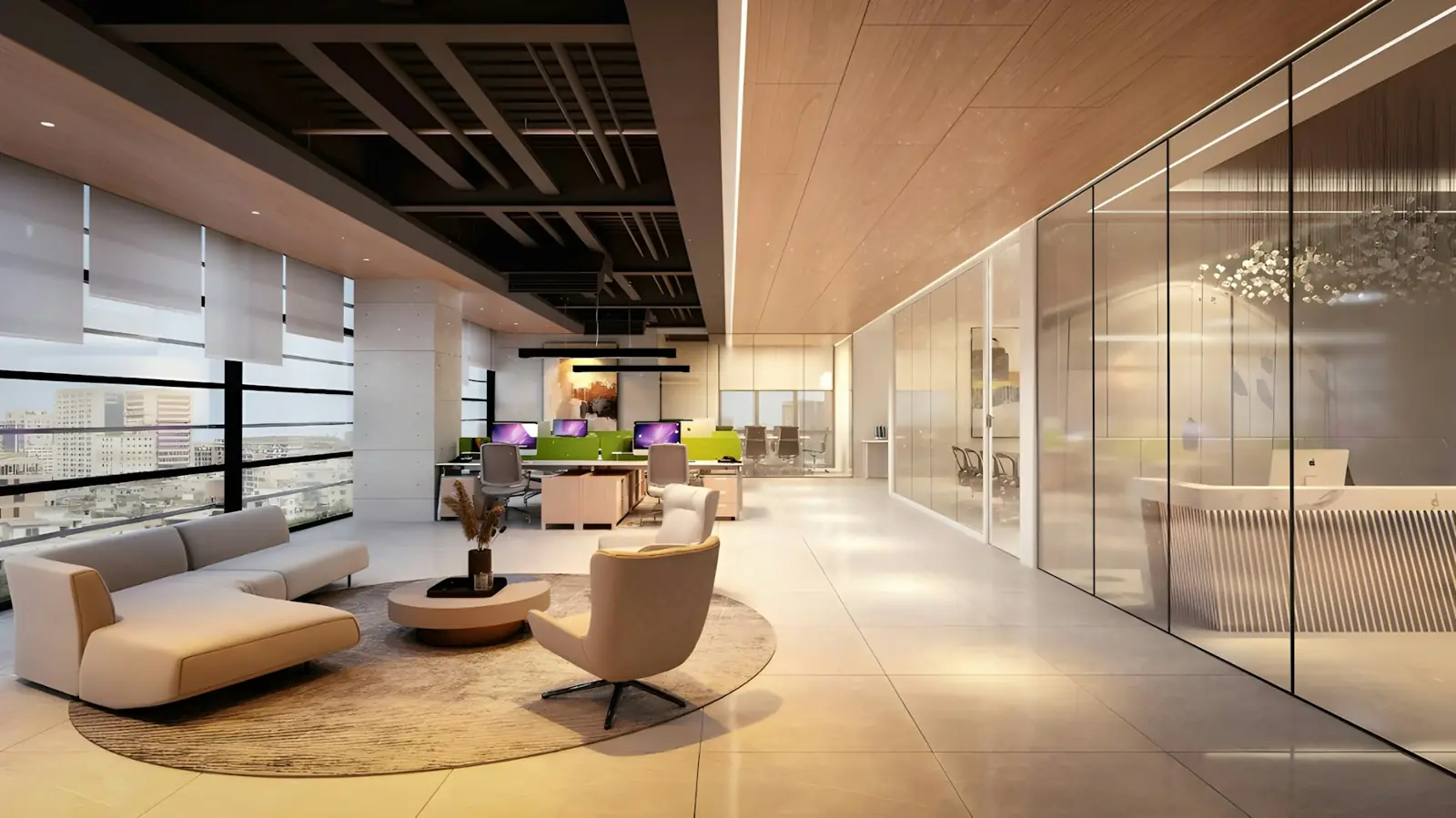
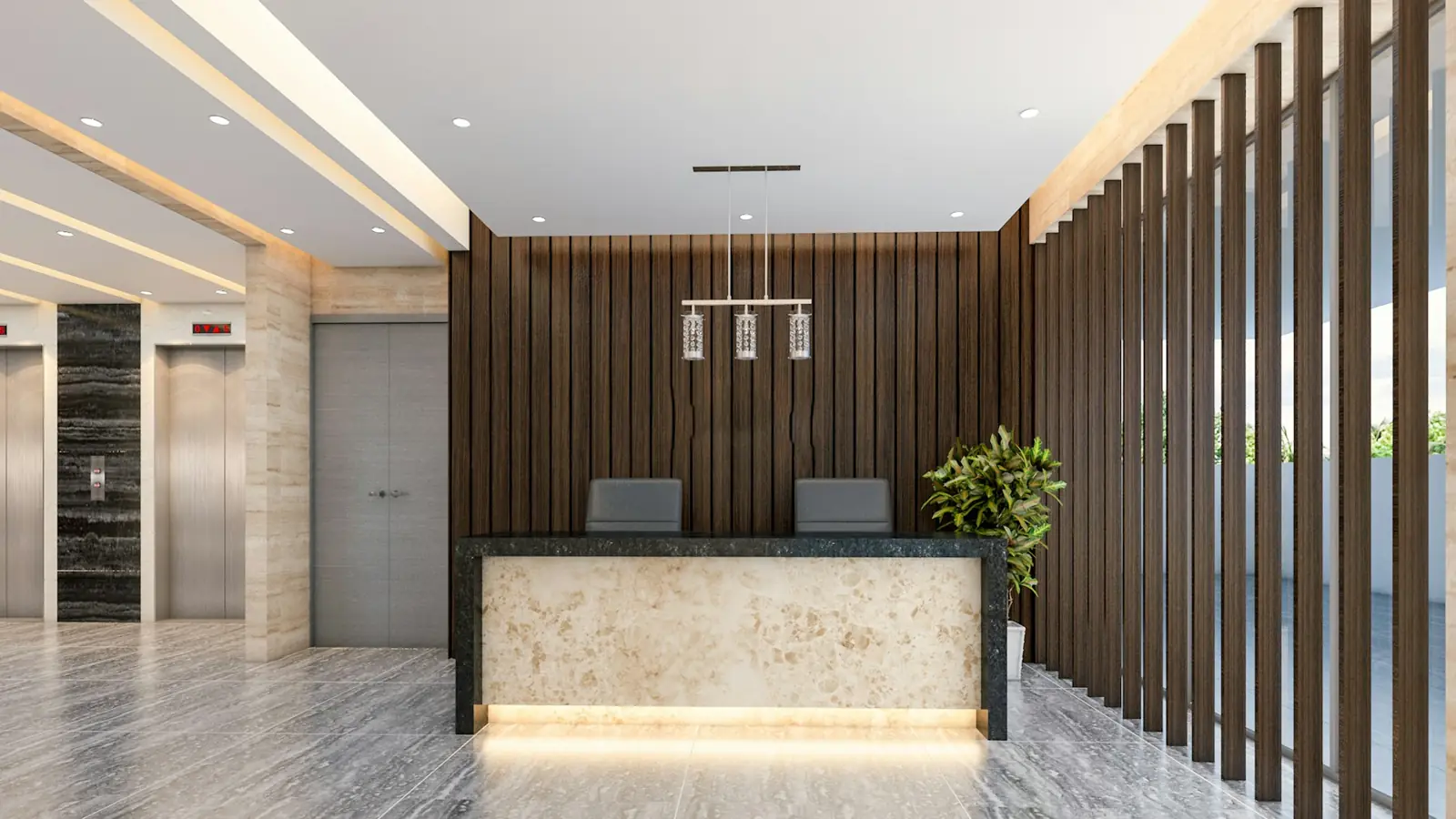
Welcome visitors in reception, share company news and celebrations, and keep teams informed with announcements and KPIs on screens across floors and branches.
Ideas
What to show on your screens
1
Visitor welcomePersonal welcome screens for clients and candidates.
2
Company newsAnnouncements, policies and leadership messages.
3
CelebrationsBirthdays, anniversaries and team wins.
4
KPIsTargets and progress for sales and support teams.
5
Safety & HREvacuation plans, POSH and wellness.
6
EventsTown halls, trainings and offsites.
Why DNMCast
Internal communication people actually see
Emails get skipped. A screen in the cafeteria doesn't. Put the important message where your team already is.
- Reception, cafeteria and floor screens in one place
- Schedule messages by date
- Team access with roles
- Private: only your company sees your content
How it works
On air in three steps
1
Install
Install the DNMCast app on your Android TV or TV box, or open the web player.
2
Pair
Scan the QR code on the screen, or type its 6-letter code in your dashboard.
3
Play
Upload your content, build a playlist and start a campaign.
FAQ
Offices: questions
Can HR and admin both manage screens?
Yes. Invite team members to your account and organise screens by floor or office.
Is our content private?
Yes. Each business account is private; no one else can see your screens or media.
Try DNMCast in your offices
14 days free on one screen. No card needed.