
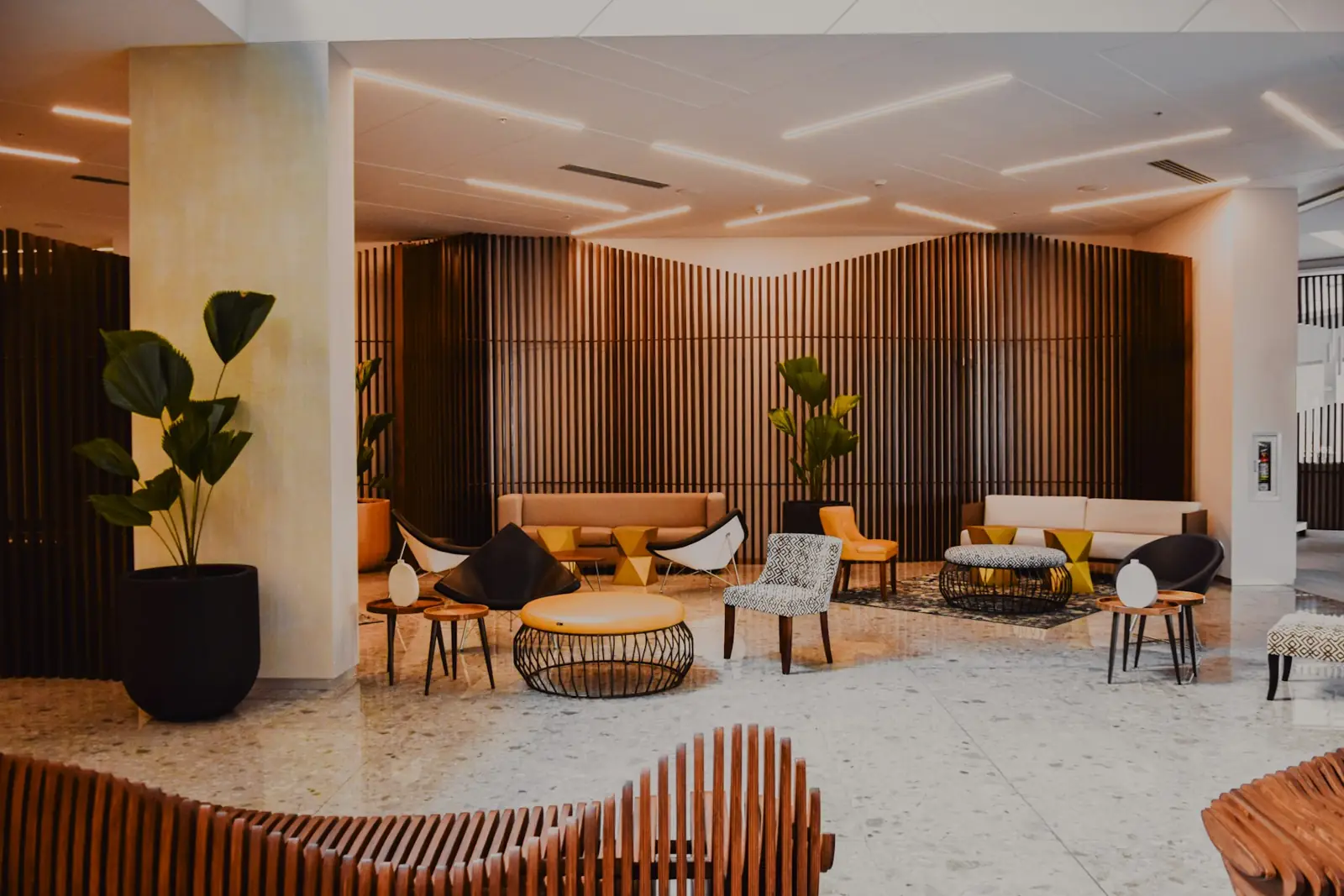
Home / Industries / Hotels
Digital signage for hotelsA five-star welcome on every screen
Greet guests in the lobby, list today's events and conference rooms, and promote your restaurant, spa and room upgrades. Update everything centrally across every property you run.
What to show on your screens
Run every property from one place
Head office sets brand campaigns, each property adds its own events. Every screen shows exactly what it should, on time.
- One dashboard for every property
- Schedule event boards day by day
- Portrait or landscape screens
- Team access for front office and marketing
On air in three steps
Install
Install the DNMCast app on your Android TV or TV box, or open the web player.
Pair
Scan the QR code on the screen, or type its 6-letter code in your dashboard.
Play
Upload your content, build a playlist and start a campaign.
Hotels: questions
Can each hotel manage its own screens?
Yes. Add team members and organise screens by location so each property updates its own boards.
Do screens work in portrait?
Yes. Set each screen to landscape or portrait and DNMCast fits your content.
Try DNMCast in your hotels
14 days free on one screen. No card needed.