
Home / Industries / Retail Stores
Digital signage for retail storesTurn store screens into sales staff
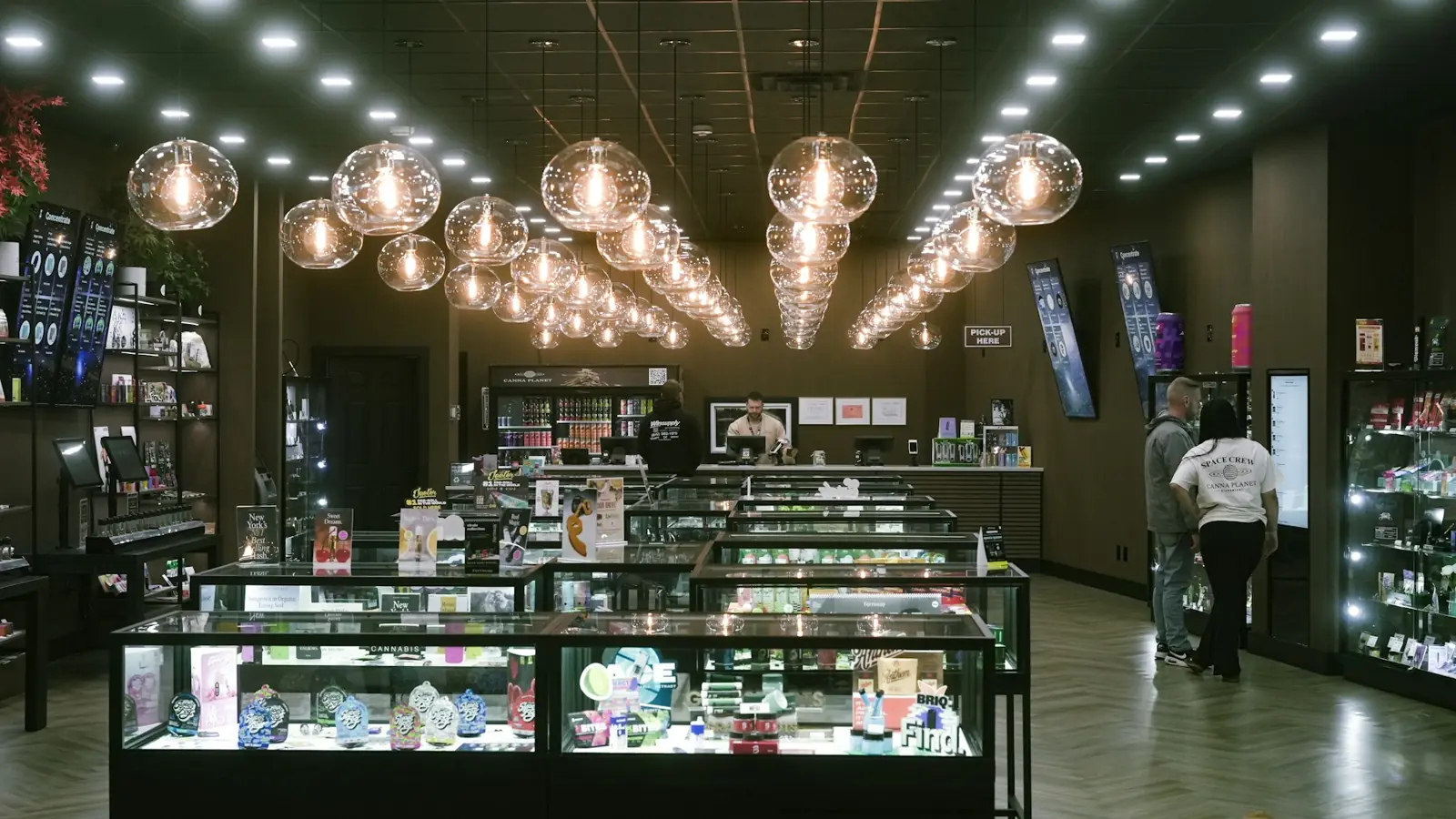
Promote offers at the entrance, new arrivals at the shelves and loyalty programmes at the billing counter. Run the same campaign across every store, or tailor it by city.
Ideas
What to show on your screens
1
Window displaysBright offers that pull people into the store.
2
New arrivalsShow this week's collection on loop.
3
Counter promotionsAdd-ons and loyalty sign-ups at billing.
4
Sale countdownsFestive and end-of-season sale campaigns.
5
Brand videosSupplier and brand videos near their products.
6
QR offersScan-to-shop and WhatsApp catalogue links.
Why DNMCast
The same campaign, in every store, today
Send a new offer to one store or two hundred in a minute. No USB sticks, no store visits, no outdated posters.
- Launch a campaign in every store at once
- Schedule sales to start and stop on time
- Different content per city or store
- Proof-of-play for brand-funded promotions
How it works
On air in three steps
1
Install
Install the DNMCast app on your Android TV or TV box, or open the web player.
2
Pair
Scan the QR code on the screen, or type its 6-letter code in your dashboard.
3
Play
Upload your content, build a playlist and start a campaign.
FAQ
Retail Stores: questions
Can suppliers pay to promote on our screens?
Yes. Give their video its own campaign and share the plays and airtime report with them.
What if a store's internet is slow?
The Android app downloads the media once and keeps playing offline.
Try DNMCast in your retail stores
14 days free on one screen. No card needed.